Skills
Updated on 2026-11-09 · Estimated reading time: 2 minutes
A Skill is a reusable set of task instructions and working methods. Teams can turn stable processes into Skills so agents complete work to a consistent standard.
How to Use
Install a Skill
DeepWorks provides several ways to install Skills.
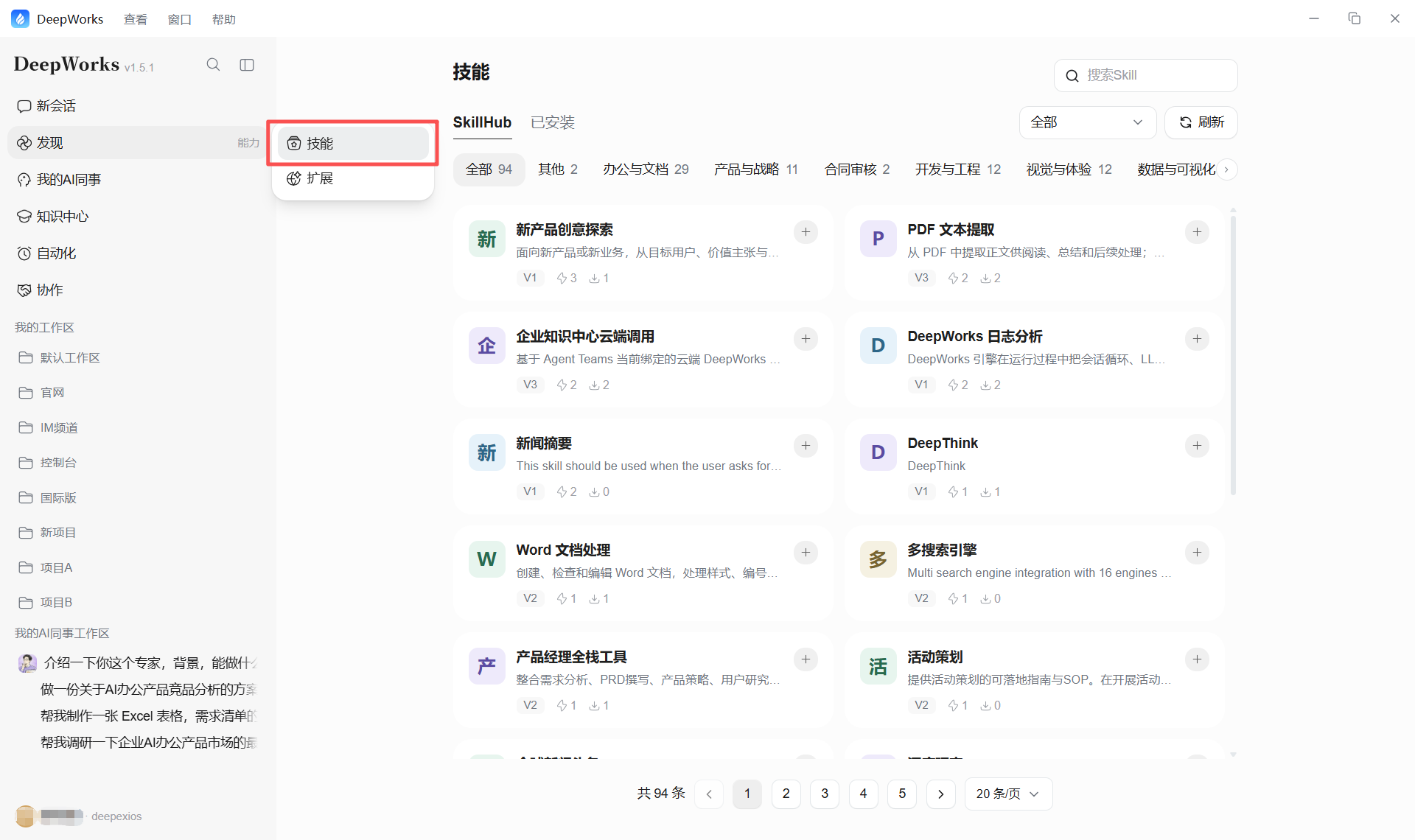
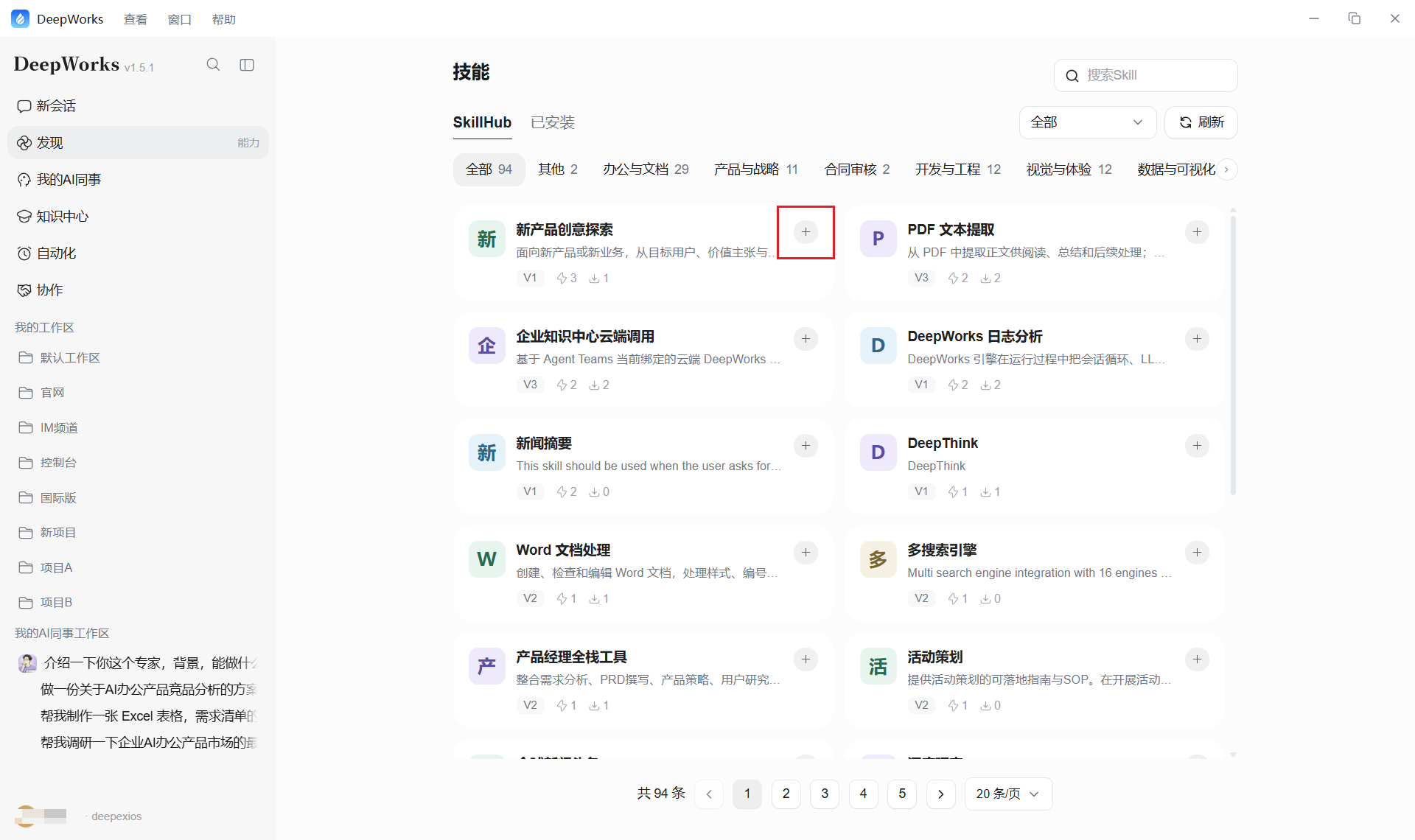
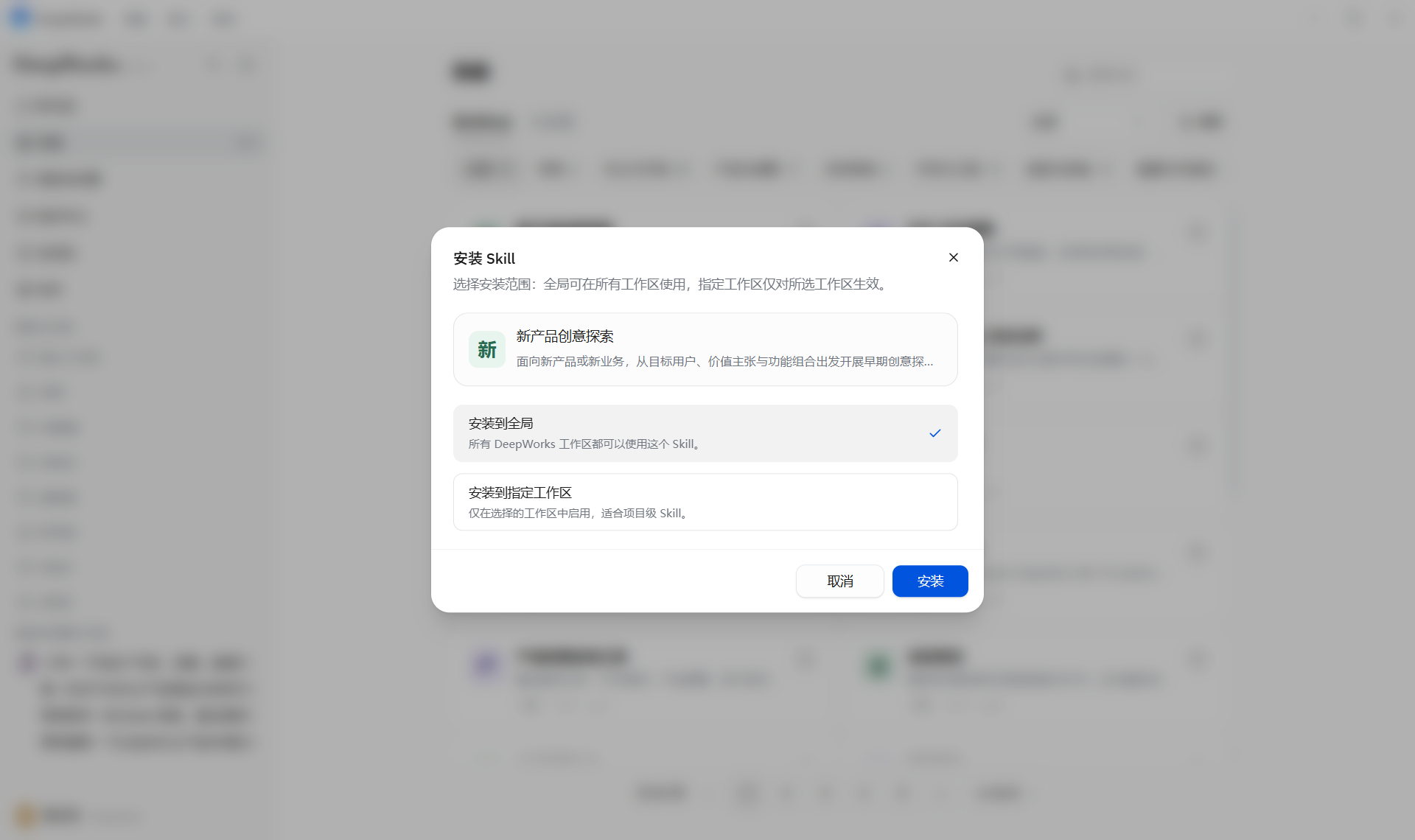
- Install from Skill Hub: Go to Skills, open Skill Hub, choose a Skill, and select Install. You can install it globally or in a specific workspace. Global installation is recommended.
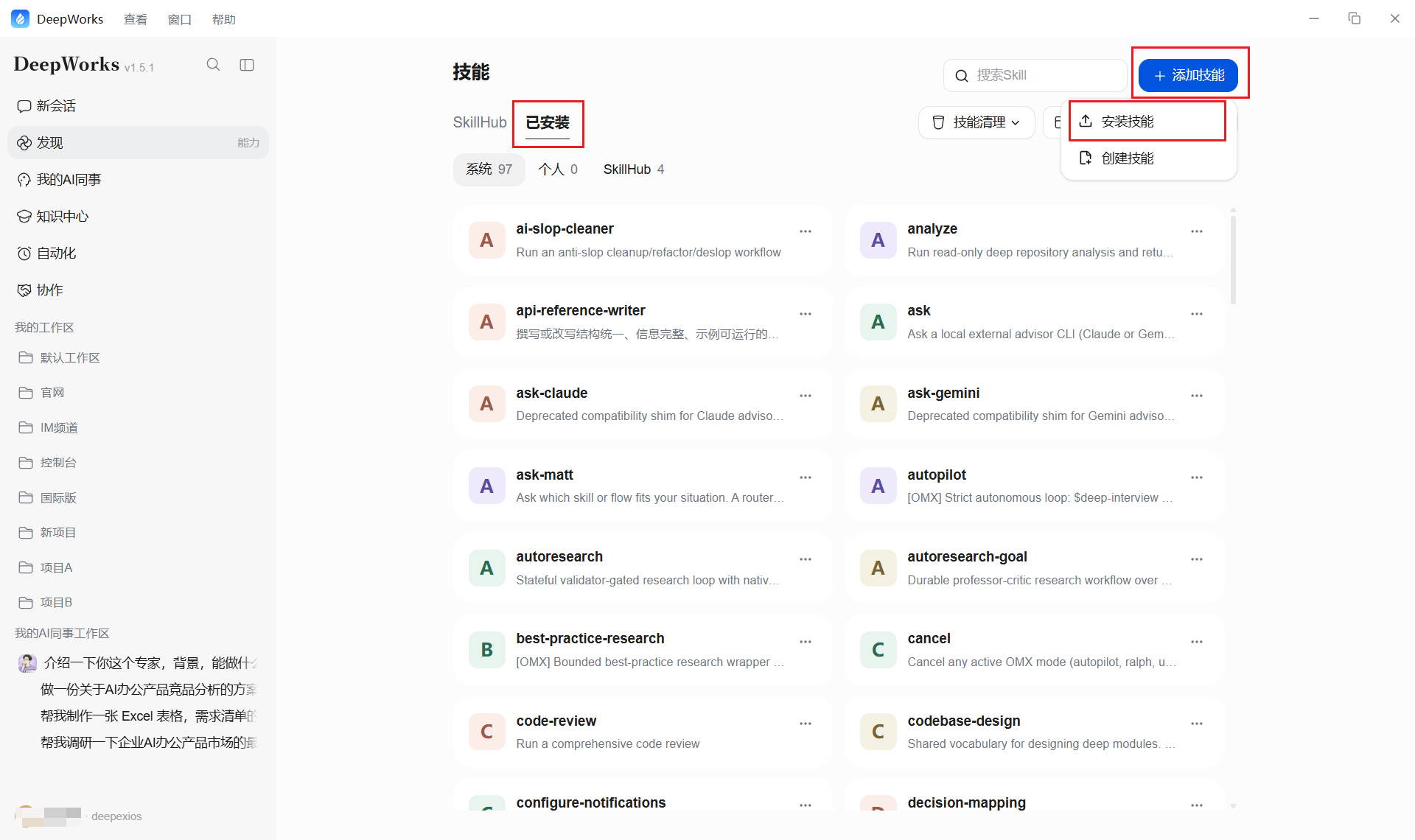
- Upload a Skill package: If you have a local Skill ZIP package, choose Add Skill and Install Skill, then install it globally or in a workspace.
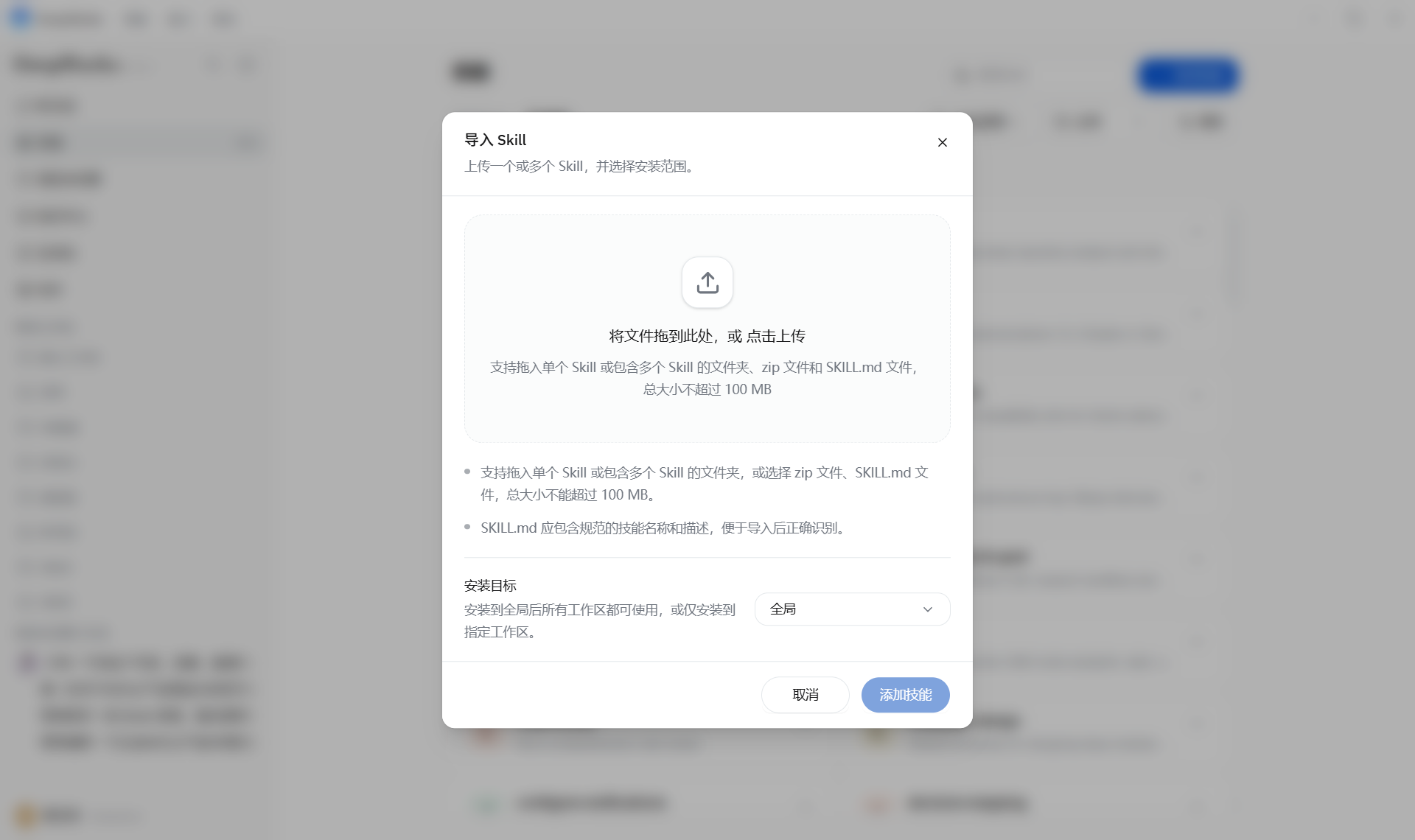
- Install in a conversation: Copy the Skill installation prompt and run it directly in a session.
Create a Skill
In a conversation, use the /skill-creator Skill to create a Skill.
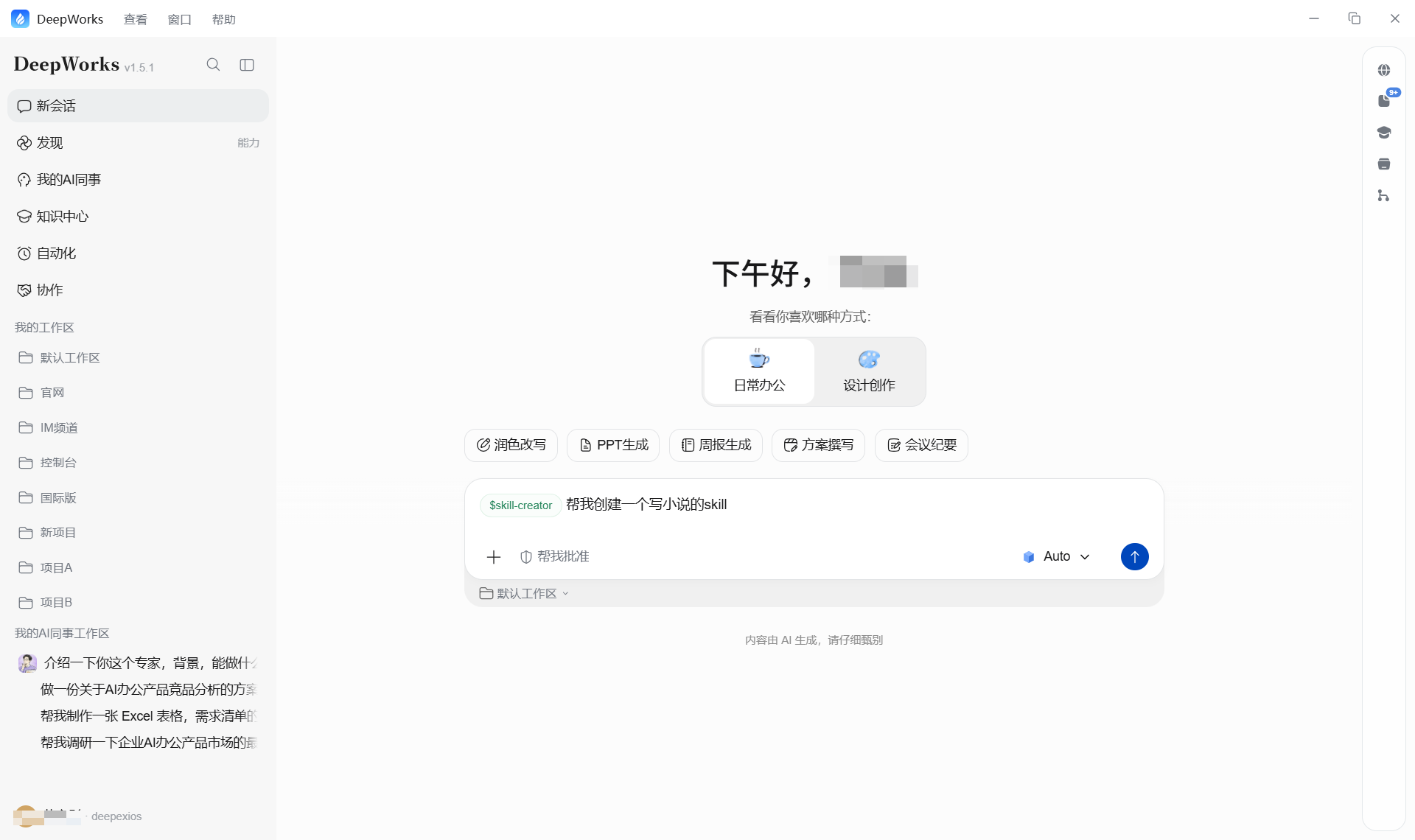
Use a Skill
In a conversation, enter / to open the Skill list and choose the Skill you need.
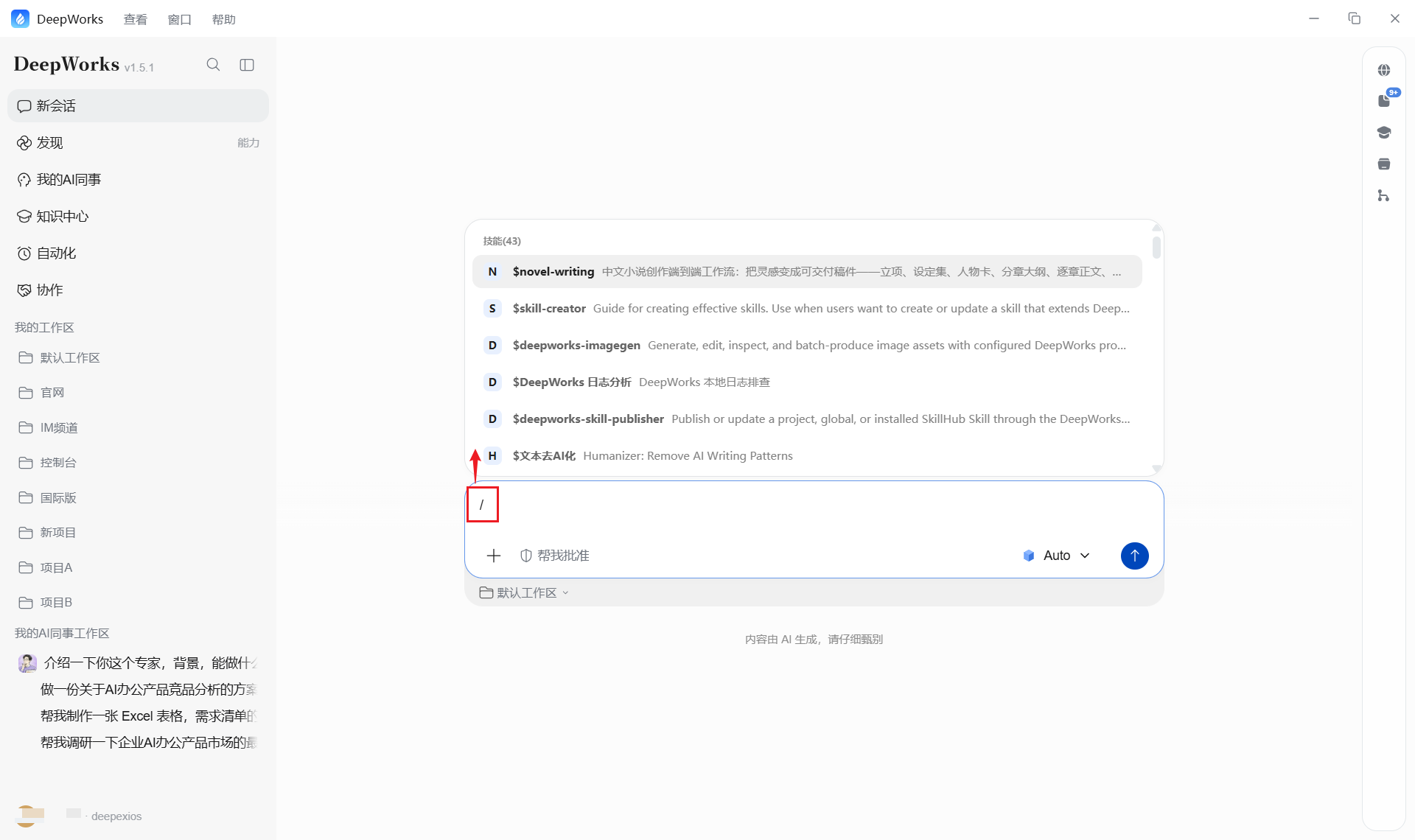
Publish a Skill
Choose Installed, then Personal Skills. Select Publish for the target Skill, enter its Chinese name and description, and choose a category. After submission, an enterprise administrator reviews it. Once approved, it is published to Skill Hub.
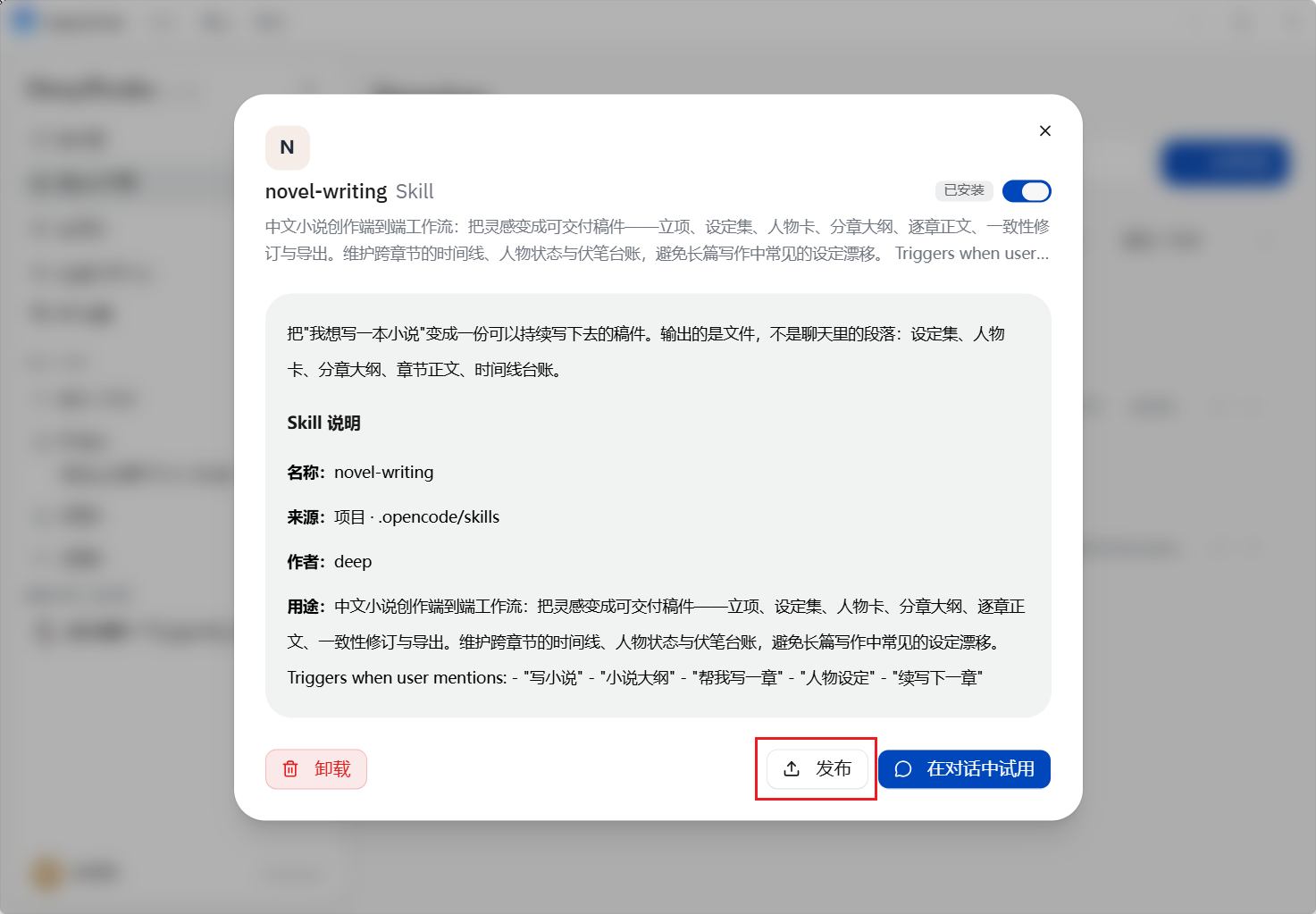
If you created or modified the Skill in a workspace conversation, confirm that the pending content has been saved, then start publication from the same conversation instead of recreating the Skill. State the publication request clearly in the input box, such as “Publish the Skill I just optimized to SkillHub.” Wait for the system to identify the target and check the publication information, then answer the follow-up questions as needed.
Content Suitable for Skills
-
Reports with a fixed format.
-
Standardized review processes.
-
Frequently used analysis frameworks.
-
Internal team operating procedures.